
Control panel guides3 minutes
DDoS protection, network and traffic
Follow mitigated attacks, IP addresses and traffic usage for your server.
DDoS protection is always on for SNG servers, and the panel shows what is happening on the network.
- 1Step 1
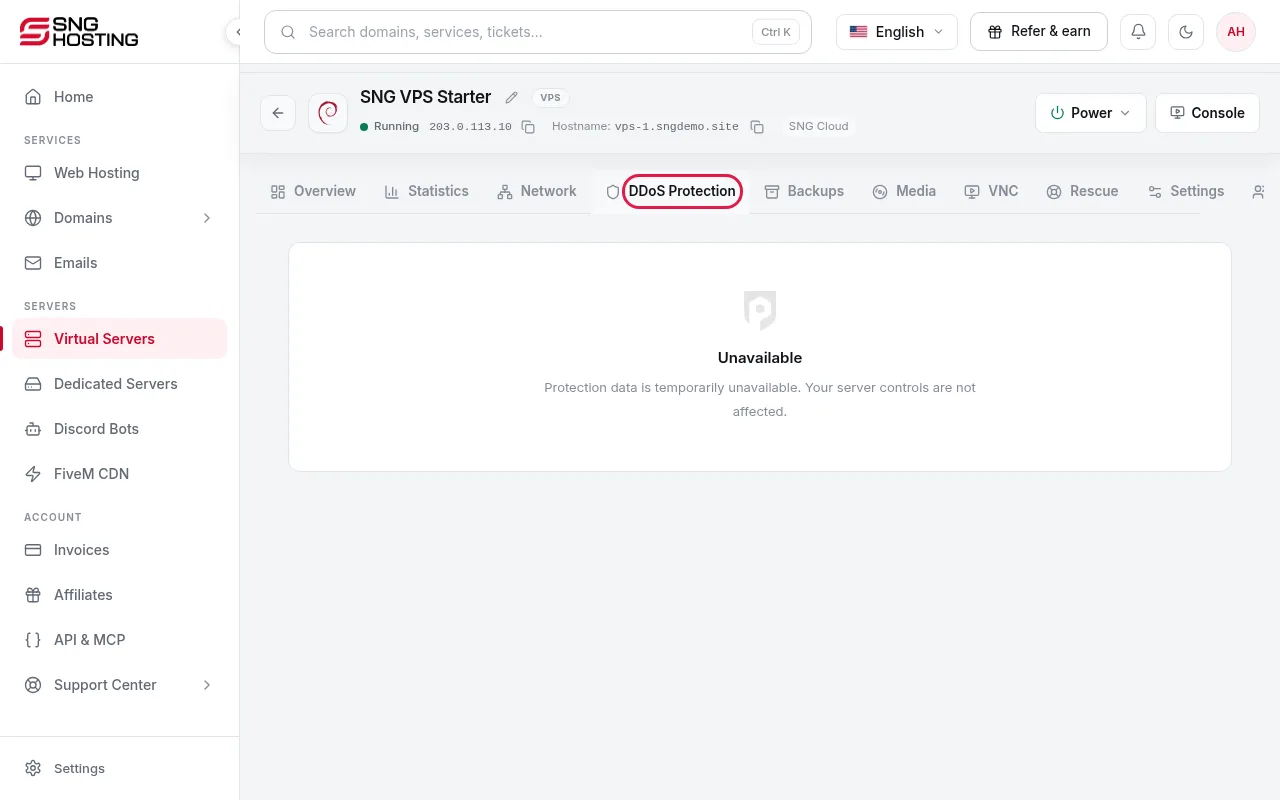
DDoS Protection tab
Mitigation runs automatically all the time. During an attack, the tab shows that malicious traffic is being filtered; the server stays online and you do not need to do anything. Past attacks are listed with their details.
- 2Step 2
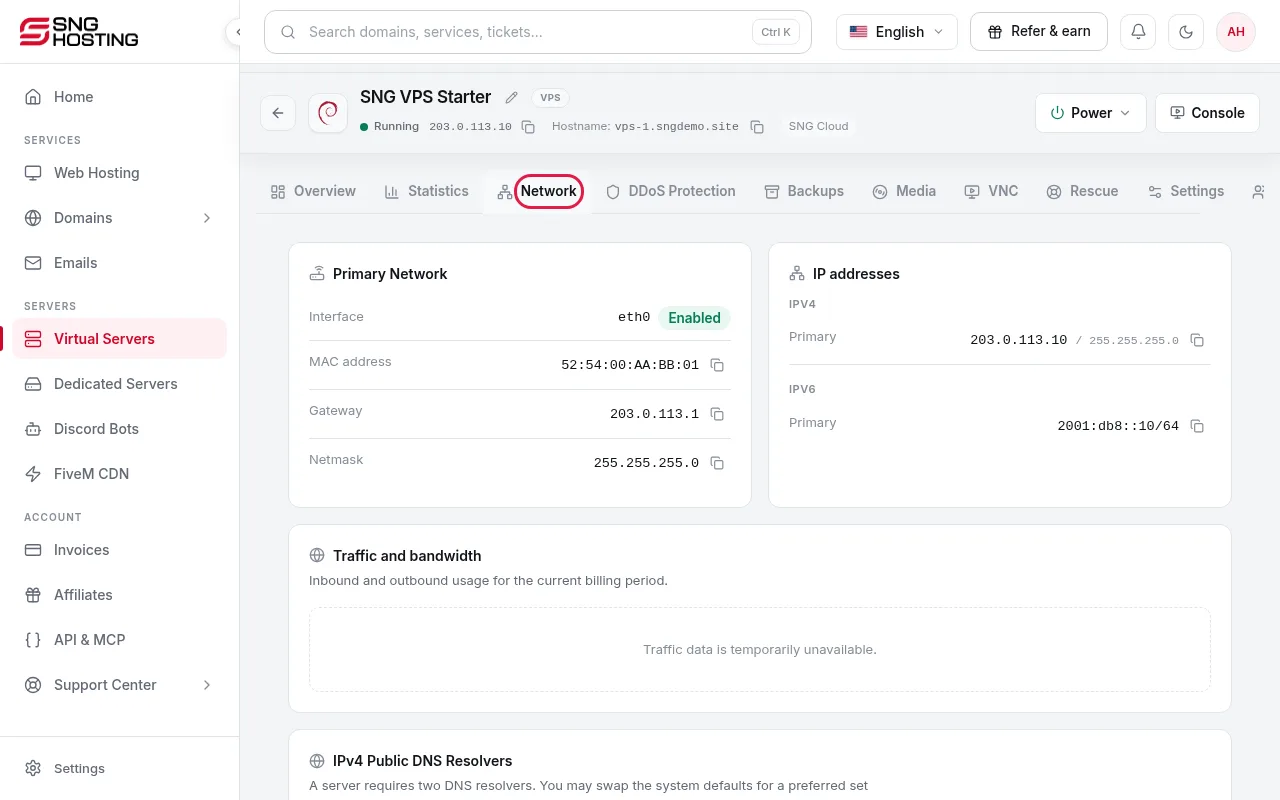
Network tab
Shows IP addresses, DNS resolvers, and inbound and outbound traffic for the current billing period.
- 3Step 3
Turn on attack alerts
In Settings → Notification settings you can get an alert when an attack starts and ends, by Discord direct message or webhook.
When to contact us
- If the server is unreachable for a long time during an attack, open a support ticket.
Need help?
Contact supportSteps didn't work for you? Our support team is available around the clock.