
Control panel guides2 minutes
Devices, sessions and account activity
Review sign-ins and connected devices, and sign out of any device you do not recognise.
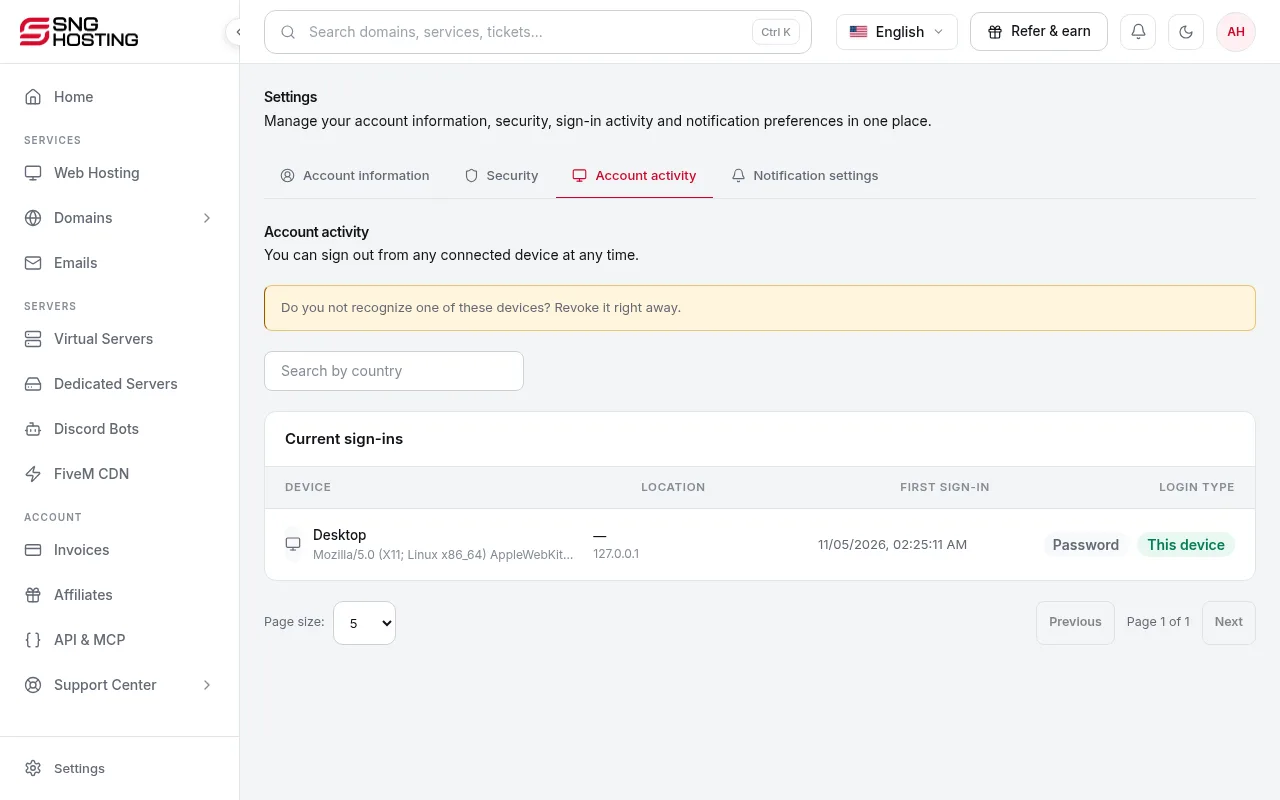
Account activity lists every sign-in and every device connected to your account.
- 1Step 1
Open Account activity
Go to Settings → Account activity.
- 2Step 2
End a device's session
Use the option next to a device to end its session, or sign out of all other devices at once. Anyone using those devices must sign in again.
If you see a device you do not recognise
- Sign out of all other devices.
- Change your password.
- Turn on two-step verification.
Need help?
Contact supportSteps didn't work for you? Our support team is available around the clock.