
Control panel guides2 minutes
Requesting a refund
How to ask for a refund on a service, and what is not refundable.
Refunds follow the refund policy published on the website, and the billing team reviews every request.
- 1Step 1
Read the refund policy
Read the refund policy on the website (snghosting.com/legal/refund) to see the time limit and which services are eligible.
- 2Step 2
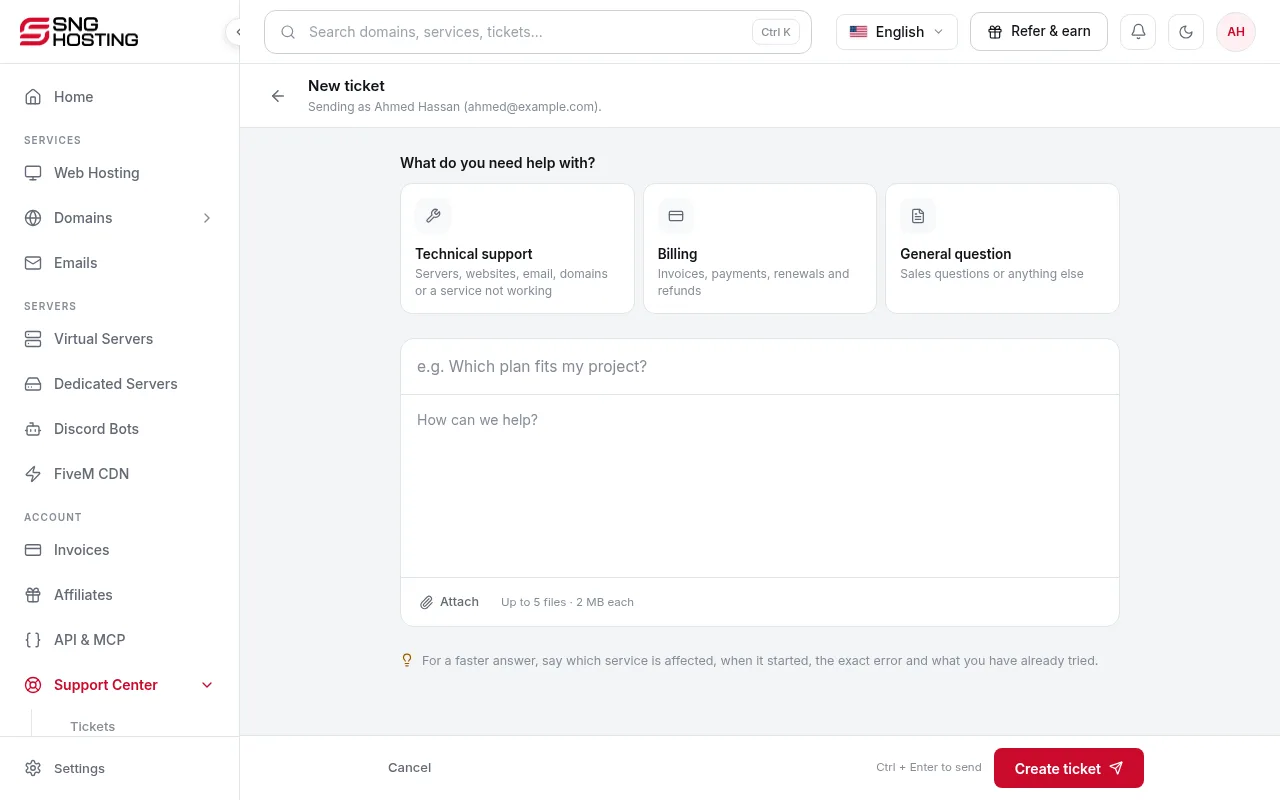
Open a Billing ticket
In Support → Open ticket, choose Billing and write which service you want refunded and why.
- 3Step 3
Back up your data
When a refund is approved the service is cancelled, so copy your files and data first.
Usually not refundable
- Renewal invoices.
- Domain fees.
- Payments made with cryptocurrency.
- Services suspended for abuse or fraud.
Need help?
Contact supportSteps didn't work for you? Our support team is available around the clock.