
Ordering a game server
Pick the game, the plan and the location, pay, and your server is created automatically within minutes.
A game server is a ready server for one game. You run it from the game panel in your browser, with no Windows or Linux commands.
- 1Step 1
Pick the game and the plan
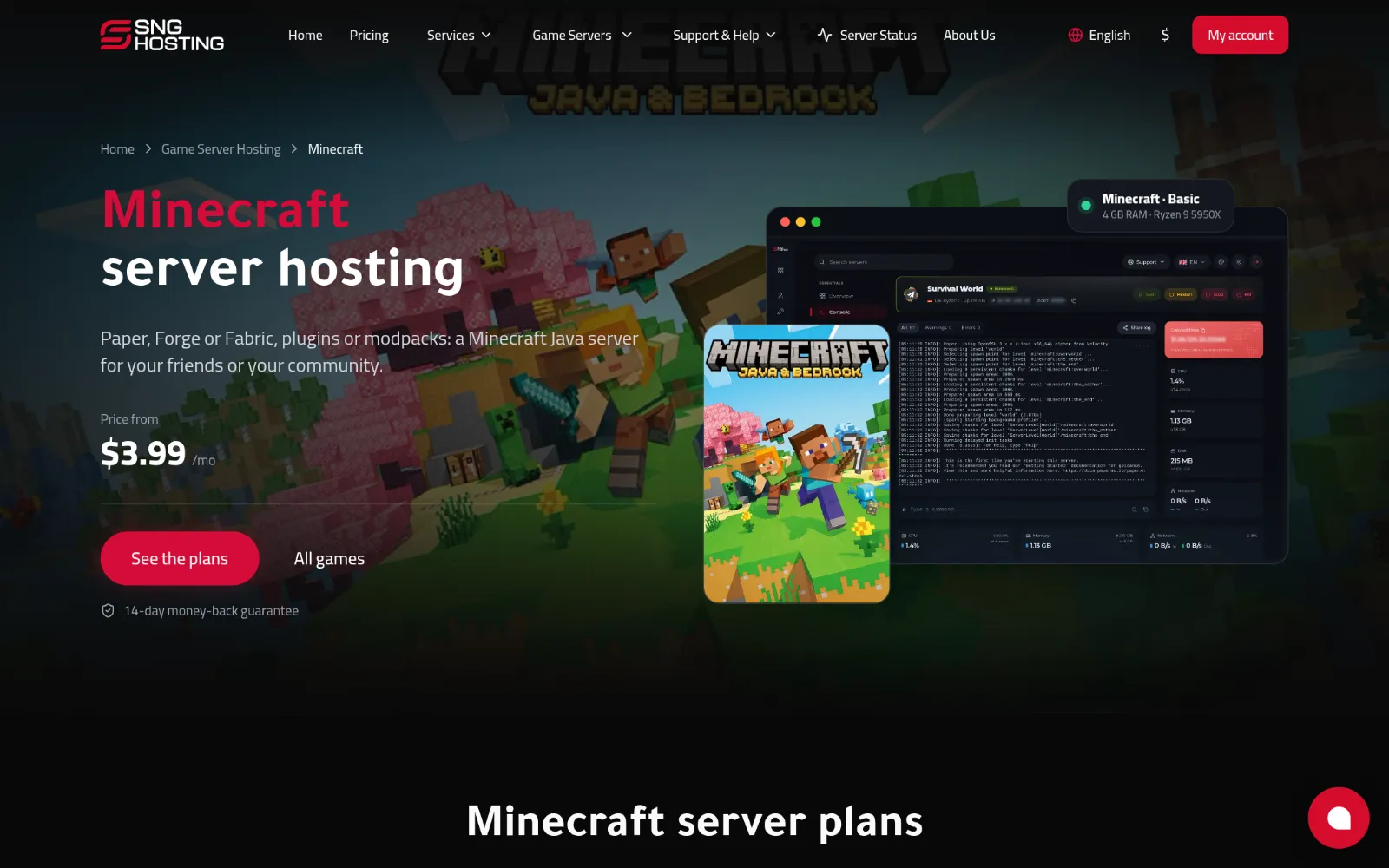
Open the game servers page on the website and choose your game. Each game lists the plans it runs on; the first is the smallest size that suits it. Press Order now on the plan you want.
- 2Step 2
Choose the period, the location and a server name
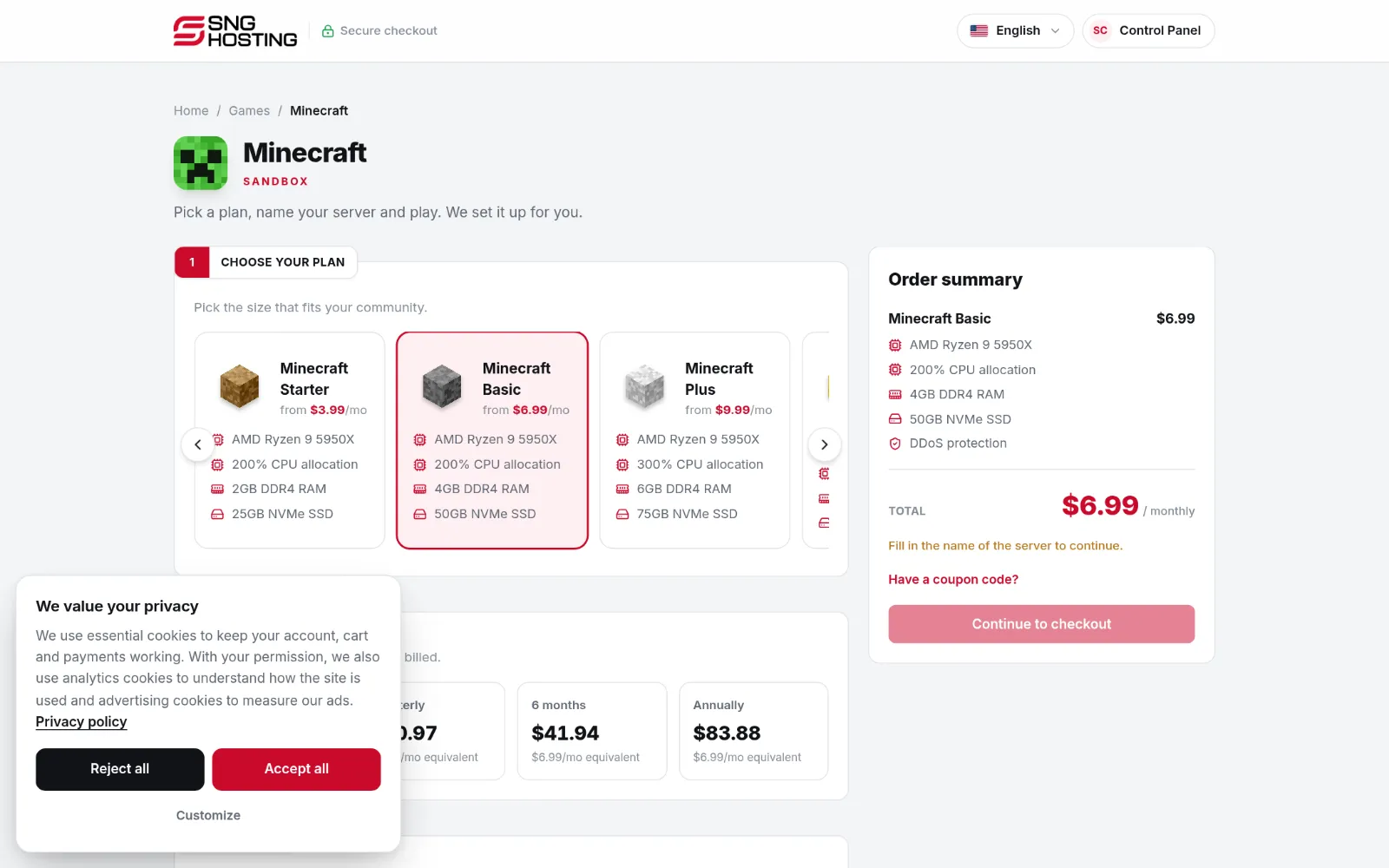
On the order page choose the billing period, then the location closest to your players (Germany or Jeddah), and type a name for the server. For Minecraft you also choose the edition (Paper, Vanilla or Forge) and accept the Minecraft terms.
 Note
You can change the plan later from the control panel; your files stay as they are.
- 3Step 3
Pay and wait for it to be created
After payment the server is created automatically and an email tells you when it is ready. Most games are ready within minutes; large games such as Counter-Strike 2 and ARK need 20 to 30 minutes to download their files.
Before you order
- More players, mods and large maps need more RAM. Start with the suggested plan and move up later.
- Games whose order button says Soon are not on sale yet.
Steps didn't work for you? Our support team is available around the clock.