
My game server will not start: what to do
Quick steps to find out from the console why the server stops, and fixes for the most common causes.
Most start problems have a clear cause written in the console. Follow the steps in order before opening a ticket.
- 1Step 1
Read the last lines of the console
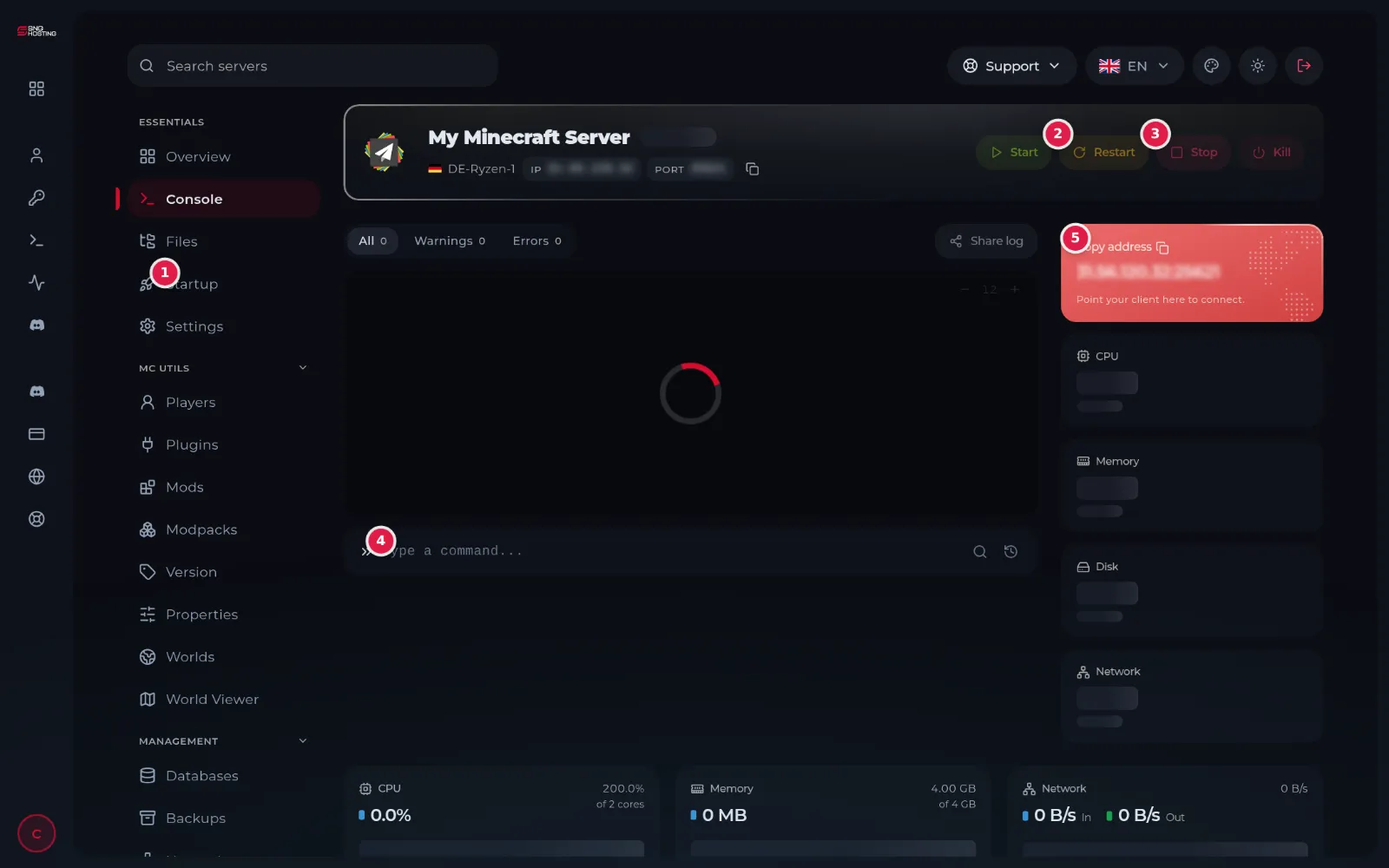
Open the server with Manage and press Start, then read the last lines. The Errors tab shows errors only.
- 2Step 2
Is a key or a sign-in missing?
FiveM and RedM need a Cfx.re key. Farming Simulator 25 needs a GIANTS key. Don't Starve Together needs a Klei token. Hytale needs you to sign in with its account from the link shown in the console.
- 3Step 3
Is it the last mod or plugin?
If the server stopped after you added a mod or plugin or edited a file, remove the last thing you added or restore a backup, then start it.
- 4Step 4
Is the memory or the disk full?
If memory or disk reaches the limit on the Console page, the plan is too small for what you run. Delete what you do not need or change the plan in the control panel.
- 5Step 5
Did the install not finish?
If the state in the control panel says Install failed, or the server folder is nearly empty, press Reinstall on the Settings page and wait for it to finish.
If it is still not solved
- Open a ticket from the control panel and attach the log link from Share log or a picture of the last console lines.
- Say what you changed last before the problem appeared; it shortens the fix.
Steps didn't work for you? Our support team is available around the clock.