
Email not arriving or going to spam
How to check a mailbox that does not receive or send, or whose messages land in spam.
Most email problems come from DNS records or a full mailbox.
- 1Step 1
Check the DNS records
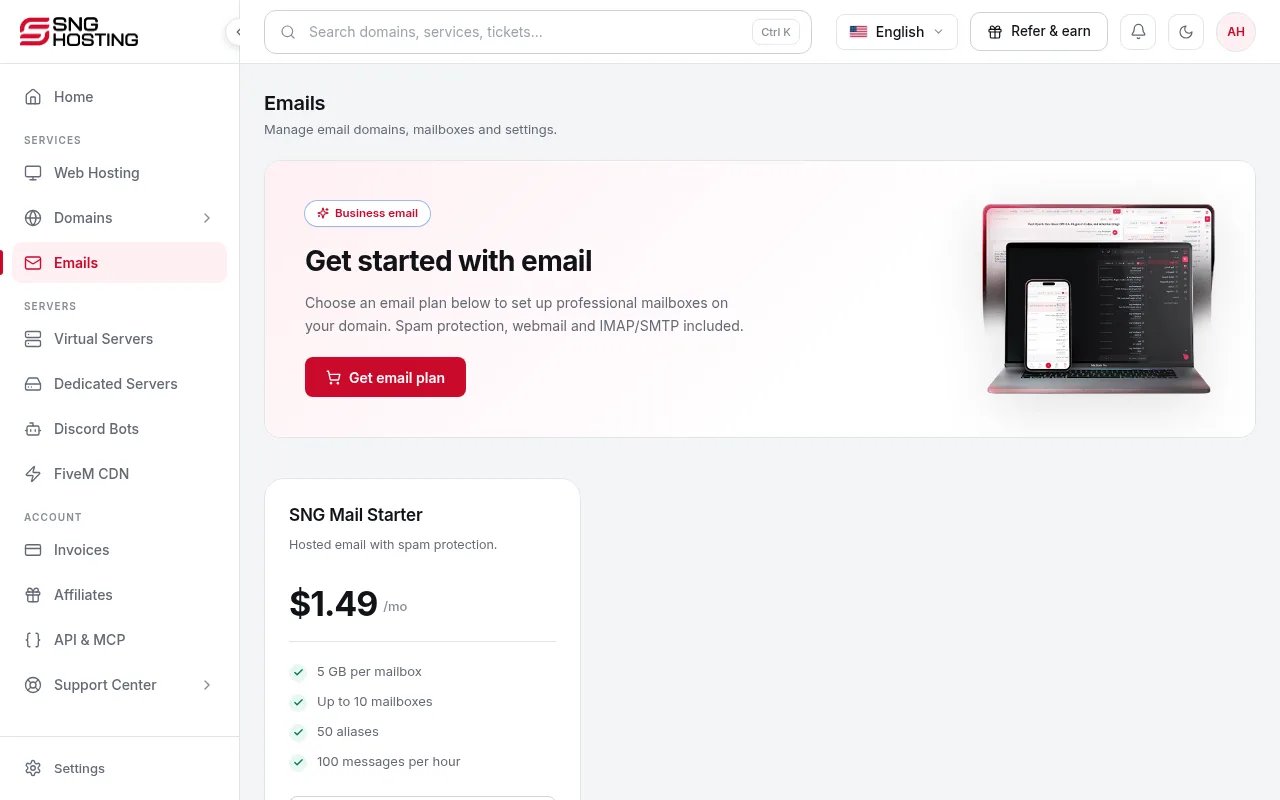
In Emails → your domain, run the DNS verification. If a record is missing or wrong, add it at your DNS provider exactly as shown, or use automatic setup when it is available.
- 2Step 2
Turn on DKIM
Mail without DKIM often lands in spam. Generate DKIM, publish the TXT record, then verify.
- 3Step 3
Check the nameservers
If you changed the domain's nameservers recently, the mail records must exist at the new provider. Changes can take up to 48 hours.
- 4Step 4
Check the mailbox size
A full mailbox stops receiving new mail. Delete large messages or raise the quota on the mailboxes page.
- 5Step 5
Check the sending limit
Each plan has a limit on messages per hour. If you send a lot, wait an hour or upgrade the plan.
If the problem continues
- Open a Technical ticket with the email address, the time of a test message and any error message.
Steps didn't work for you? Our support team is available around the clock.