
Discord bot hosting: upload, token, GitHub and common problems
Upload your bot, add the token, connect GitHub for automatic deploys, and fix the most common problems.
SNG detects Node.js or Python automatically, installs the packages and starts the bot.
- 1Step 1
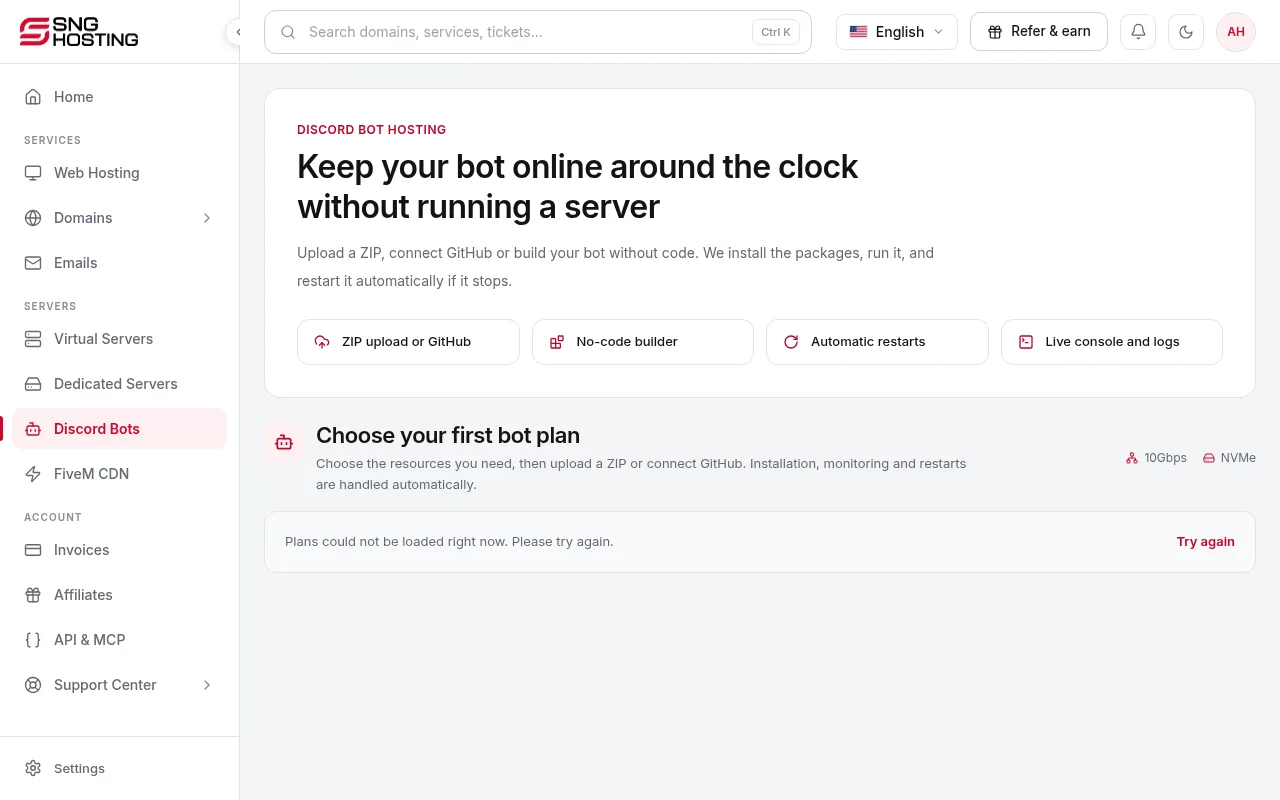
Open your bot
In the menu choose Discord Bots, then open the bot.
- 2Step 2
Upload the bot files
Upload a ZIP of the bot. The language is detected, packages are installed and the bot starts. A backup is taken before every deploy; keep your own copy too.
- 3Step 3
Add the token
In the Discord Developer Portal → your application → Bot, copy the token and paste it in SNG. It is stored encrypted. SNG reads config.json or .env; for any other file, edit it in the Files tab.
- 4Step 4
Connect GitHub (optional)
Connect a repository with a fine-grained token limited to that repository, add the webhook shown, and the bot redeploys on every push. Alternatively, build a bot without code and publish it.
Common problems (shown on the bot page)
- Needs extra permissions or intents: enable Message Content and the other intents in the Developer Portal → Bot.
- A required package is missing: add it to package.json or requirements.txt.
- Tried to open a web port: bots cannot listen on web ports. Remove the web server part.
- Wrote files next to its code: the message on the bot page shows where data should go.
- TypeScript is not supported yet: upload the compiled JavaScript.
- Old discord.js v13 code: update it to a current version.
- Missing permission on the server: the bot's role must sit above the roles it manages.
Steps didn't work for you? Our support team is available around the clock.