
Control panel guides4 minutes
Setting up the FiveM CDN
Let players download your server files through a CDN to fix slow or stuck downloads.
With the FiveM CDN, players download your server files from a CDN instead of straight from your server.
- 1Step 1
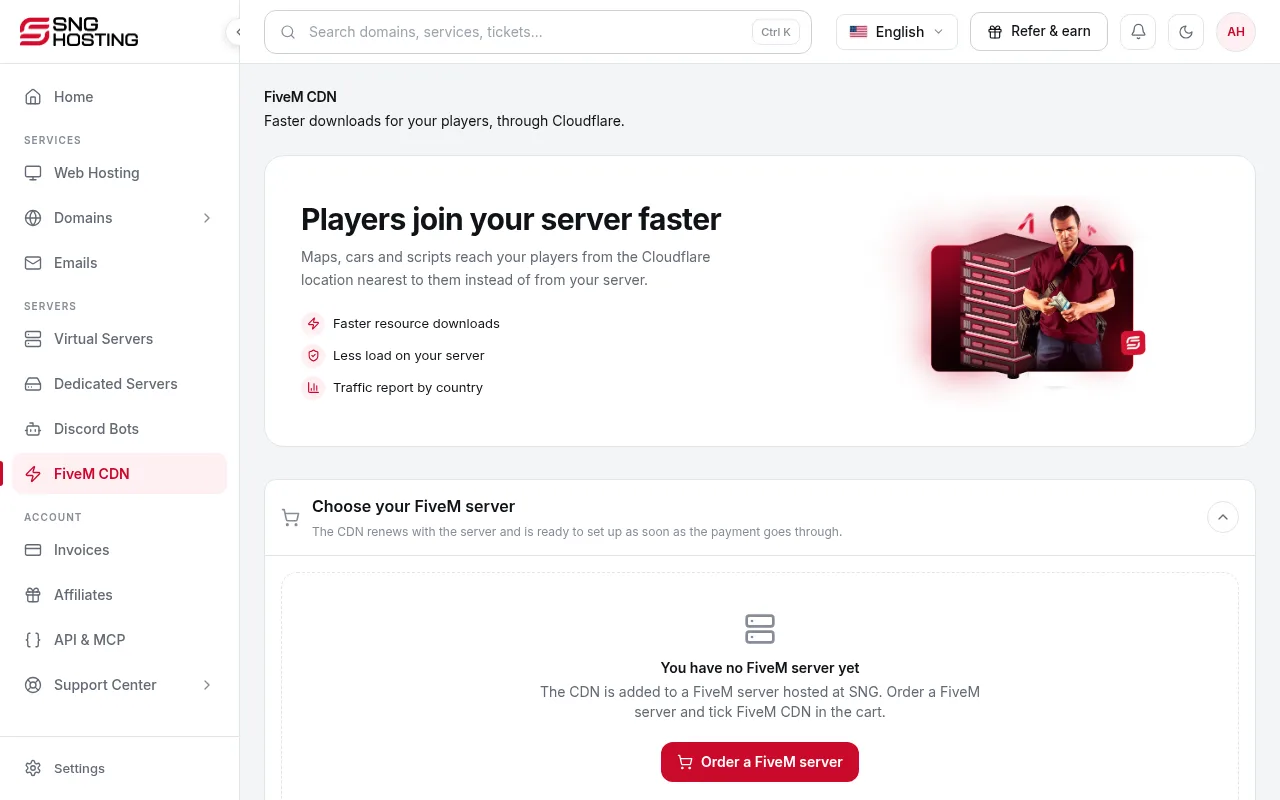
Open FiveM CDN
In the menu choose FiveM CDN and enter your FiveM server's public IP and port.
- 2Step 2
Install the sng-cdn resource
Download the sng-cdn resource and put the sng-cdn folder in your resources folder.
- 3Step 3
Edit server.cfg
Add the lines shown on the page to server.cfg.
- 4Step 4
Start the server
Start or restart FXServer. The CDN turns on by itself within a few minutes once your server answers.
If it does not work
- If it says no server answered, make sure FXServer is running and the port is open in the server firewall.
- If the CDN is off, its subscription is not active. Renew it.
Need help?
Contact supportSteps didn't work for you? Our support team is available around the clock.