
Dedicated servers: power, restart and password
Control power, restart and set a new password for your dedicated server from the control panel.
Dedicated Servers lists your physical servers with their specifications, usage and network.
- 1Step 1
Open Dedicated Servers
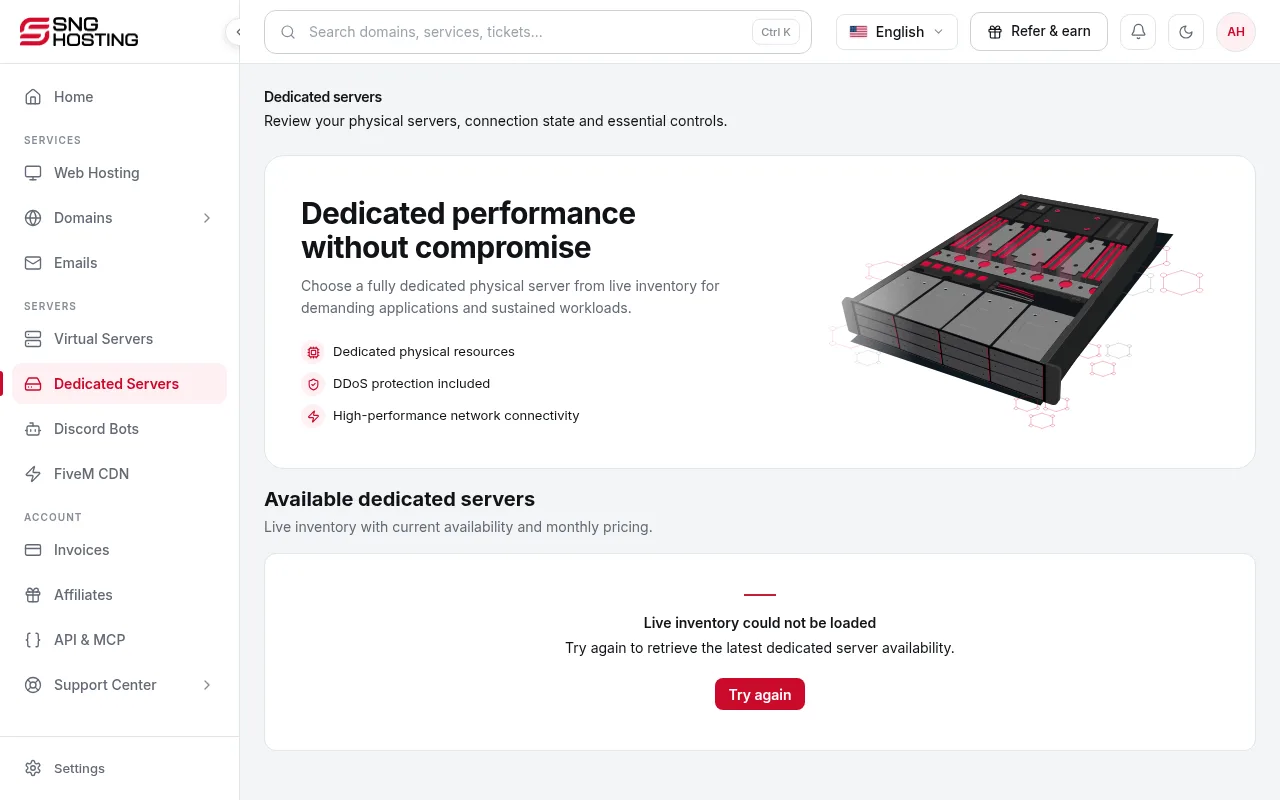
In the menu choose Dedicated Servers, then open the server.
- 2Step 2
Power controls
Power on, Force power off and Power cycle act directly on the hardware, even when the system does not respond. Power cycle cuts the power and turns it back on; Force power off cuts it immediately.
NoteThese controls can lose unsaved data. Use them only when a normal restart does not work.
- 3Step 3
Normal restart
Restart from inside the system brings the server back within a few minutes. If it says the restart could not be confirmed, refresh the page before trying again.
- 4Step 4
New password
Enter the code sent to your account email. The new root or Administrator password is shown only once, so save it straight away.
Usage
- Usage appears once the secure connection between the server and the control panel is up.
Steps didn't work for you? Our support team is available around the clock.