
Servers2 minutes
Disable UDP for RDP
Prevent UDP-based RDP Exploits and improve security
UDP is more susceptible to spoofing and reflection attacks. Disabling UDP can mitigate risks related to man-in-the-middle (MITM) and replay attacks.
- 1Schritt 1
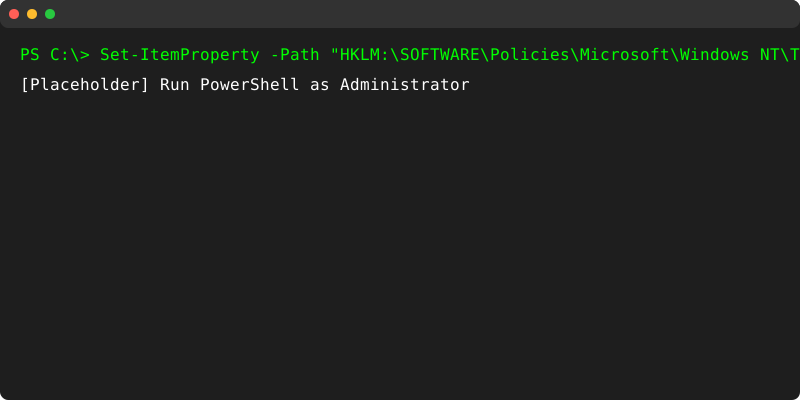
Run PowerShell as Admin
Right-click Start menu and select Windows PowerShell (Admin).
- 2Schritt 2
Execute Disable Command
Copy and paste the following command into PowerShell:
Set-ItemProperty -Path "HKLM:\SOFTWARE\Policies\Microsoft\Windows NT\Terminal Services\Client" -Name "fClientDisableUDP" -Value 1 -Type DWORD -Force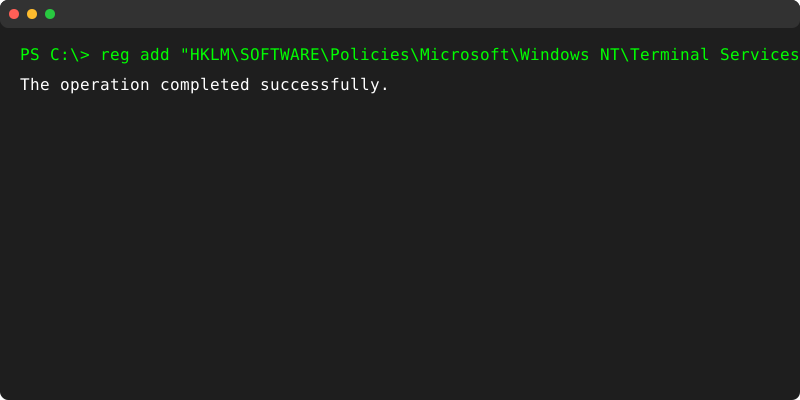
- 3Schritt 3
Verify Setting
To check if the setting was applied correctly, run:
Get-ItemProperty -Path "HKLM:\SOFTWARE\Policies\Microsoft\Windows NT\Terminal Services\Client" -Name "fClientDisableUDP" - 4Schritt 4
Expected Result
If it returns the following, then UDP is disabled for RDP:
fClientDisableUDP : 1 - 5Schritt 5
Restart
For the change to take effect, restart your dedicated server or VPS.
Vorteile
- Protection Against DDoS Attacks: Some RDP-based attacks leverage UDP for amplification.
- Better Encryption Control: TCP-based RDP traffic is typically encrypted via TLS.
- Reduces attack vectors.
Brauchst du Hilfe?
Support kontaktierenDie Schritte haben nicht geholfen? Unser Support-Team ist rund um die Uhr da.